
Using the Guided Path in Your Course
The Guided Path provides a structured way to move through your course content in the intended order. Your organization has arranged course activities into a learning path so you can complete each step one at a time and stay on track throughout the course.
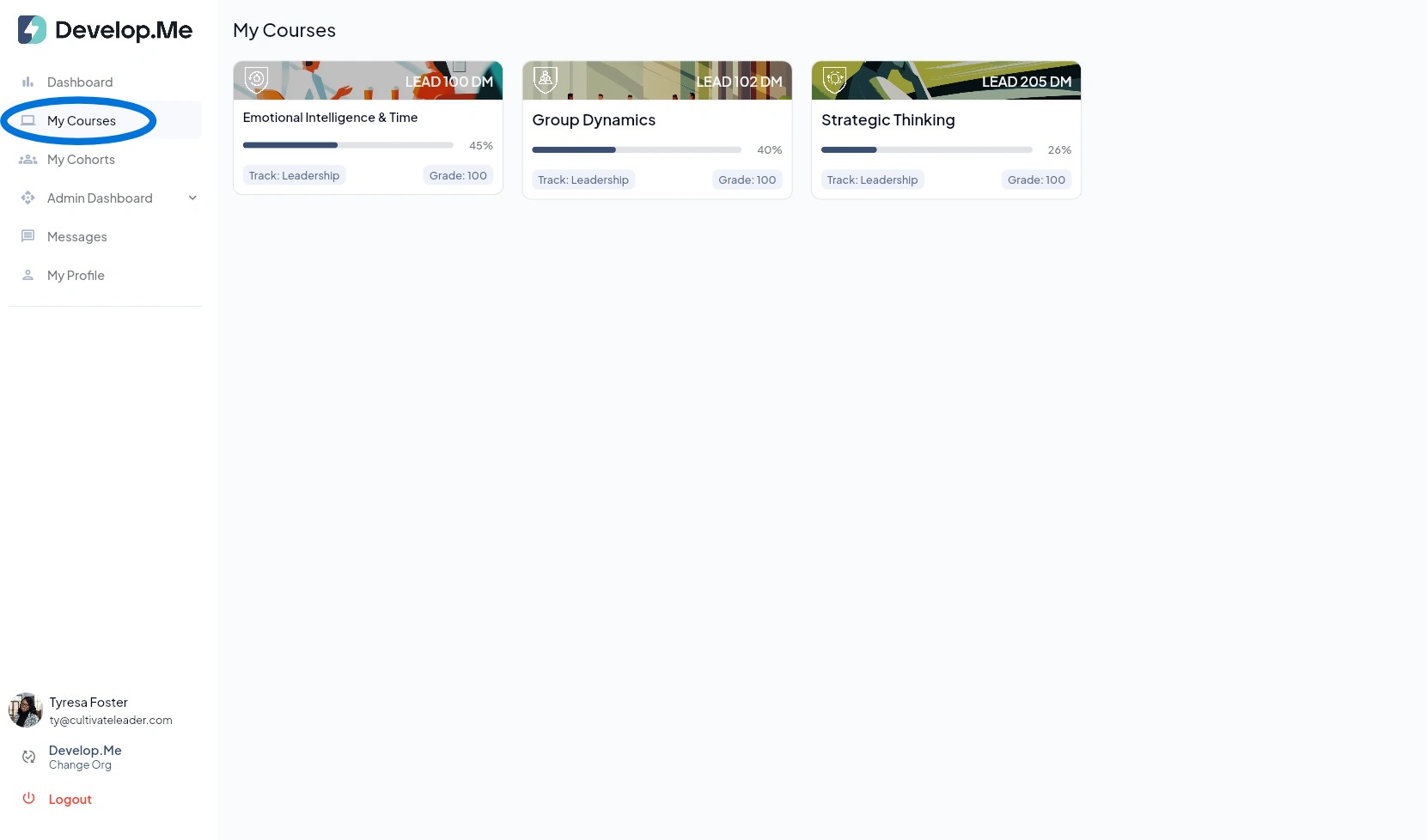
1. Navigate to the "My Courses" tab in the left menu bar. Then, select the course for which you want to follow the Guided Path.
2.
Locate the Guided Path
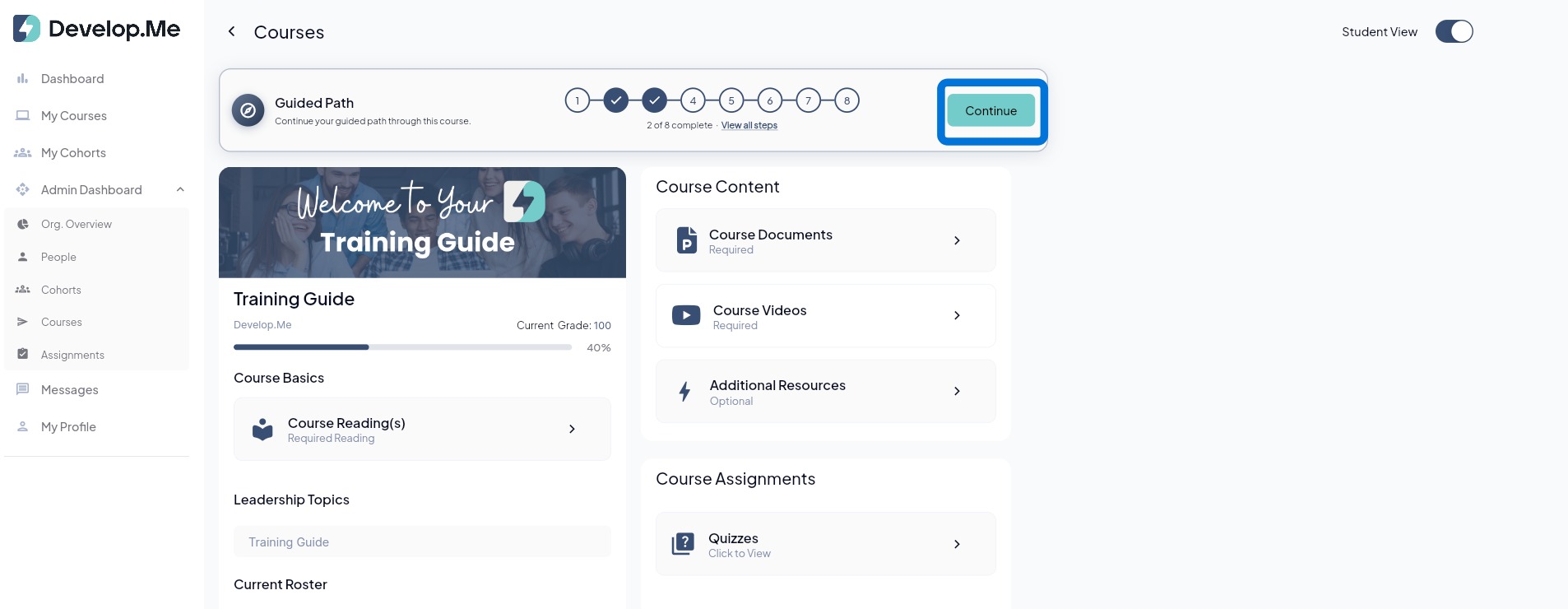
At the top of your course, you will see the Guided Path along with numbered steps representing the activities included in your learning path.
Select Continue
Click Continue to open your next required activity. The Guided Path will automatically direct you to the next step in the sequence.
Complete Each Step in Order
Work through the course activities in the order they appear. Your path may include course documents, videos, assignments, discussions, quizzes, or other learning activities.
Track Your Progress
As you complete activities, the Guided Path will update to show your progress through the course. The progress indicator displays how many steps you have completed out of the total number of steps.
View the Full Learning Path
Select View all steps to see all activities included in your Guided Path and review your progress.
3. Important to Know
The Guided Path is designed to help you move through the course in a linear, intentional sequence. Rather than deciding what to complete next, simply select Continue each time you return to the course and Develop.Me will guide you to your next activity.
4. Congratulations! You’ve successfully navigated a Guided Path.