
How To Set A Course To Private
This guide provides step-by-step instructions for setting a course to private in Develop.Me, allowing admins to control course visibility.
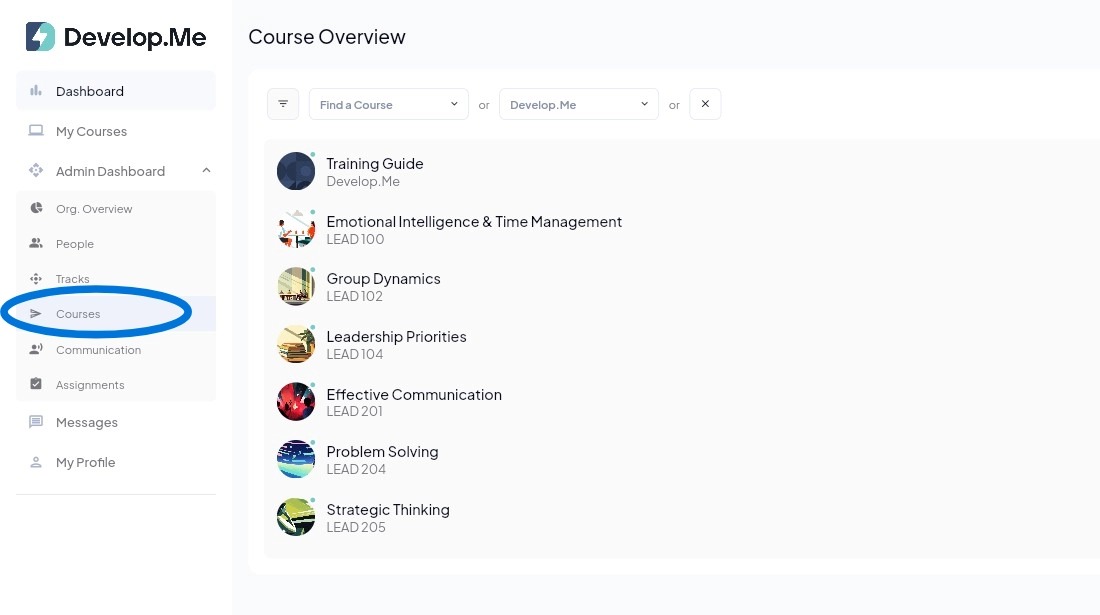
1. Navigate to the "Courses" tab in the left menu bar. Then, select the course you want to set private.
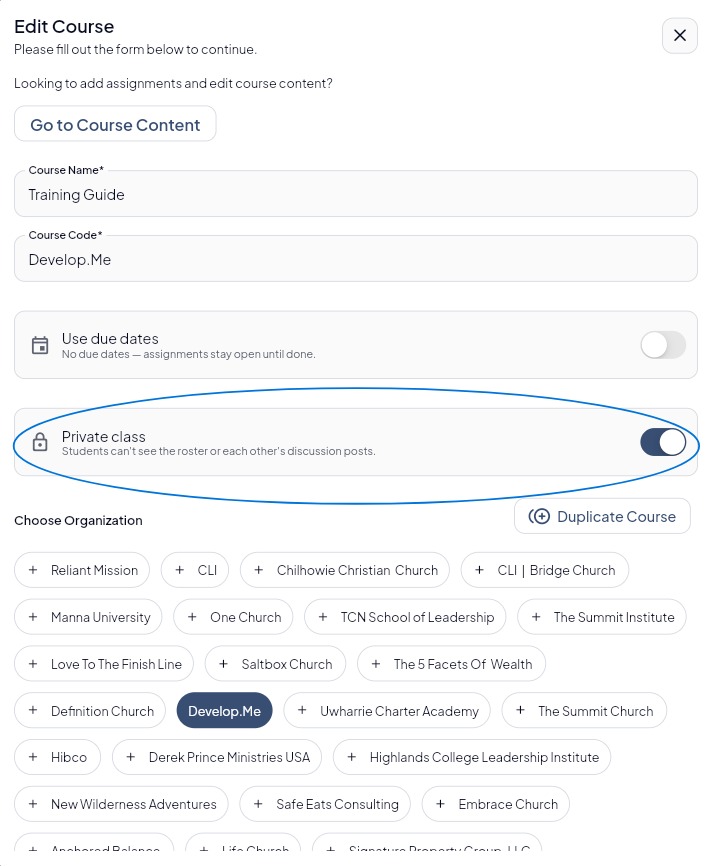
2. In the "Edit Course" window, locate the "Private class" option and toggle the switch "on" to set the course to private. Click "Save Edits" at the bottom of the screen.
This will prevent users from viewing the class roster and each other's discussion posts.
3. Congratulations! You’ve successfully set a course to private.