
How To Remove Tags From A Course
This guide provides step-by-step instructions for removing tags from a course. Tags help you organize users, making it easier to filter, categorize, and manage information efficiently.
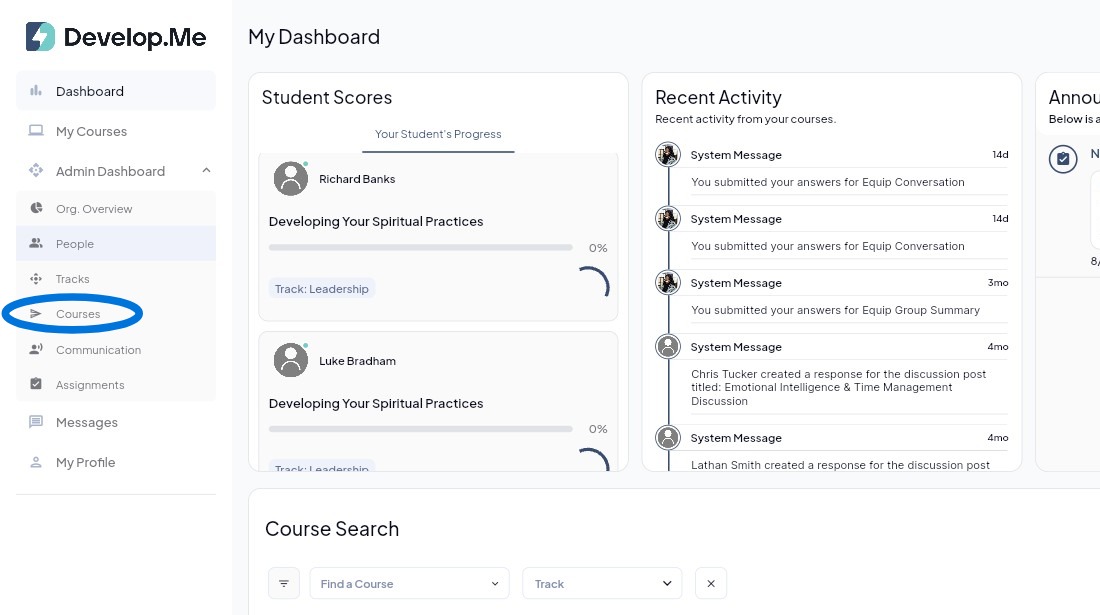
1. Navigate to the “Courses” tab from the left-hand menu bar to view and manage all tags.
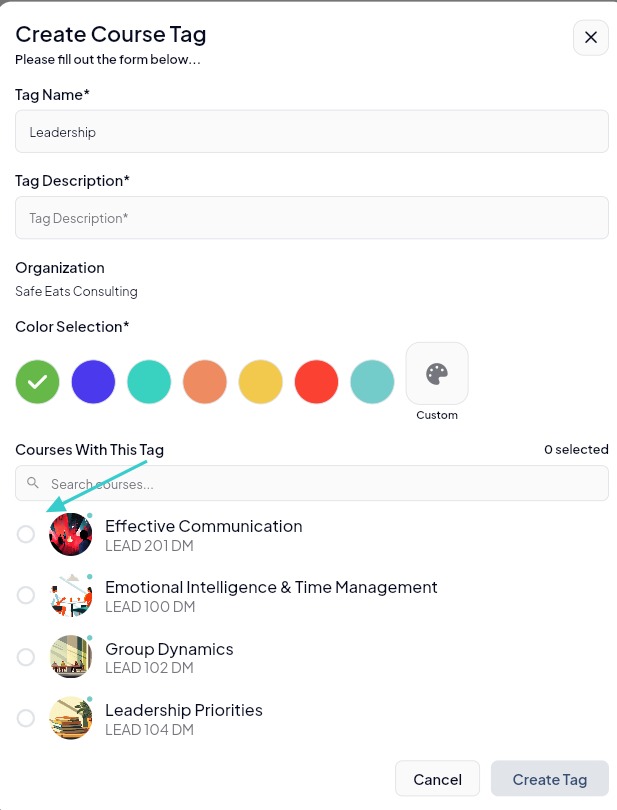
2. To remove a Course Tag from a course, open the appropriate tag and deselect each course you no longer want associated with that tag.
3. Congratulations, you've successfully removed a tag from a course.