
How To Import New Users
This guide provides step-by-step instructions for importing new users into the platform, making it easy to add multiple users quickly and efficiently.
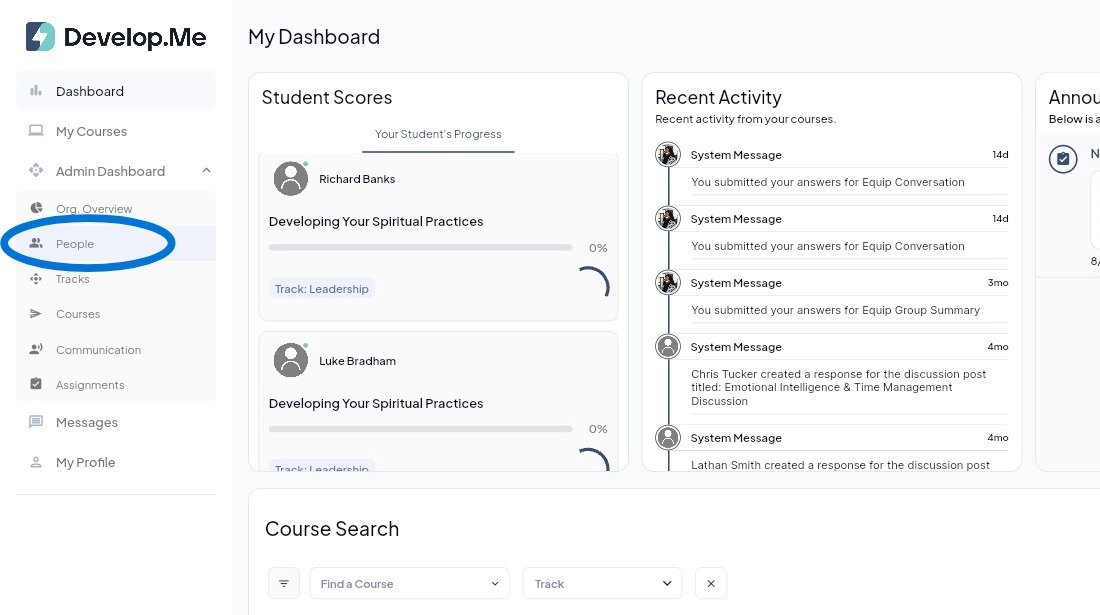
1. Navigate to the “People” tab from the left-hand menu bar.
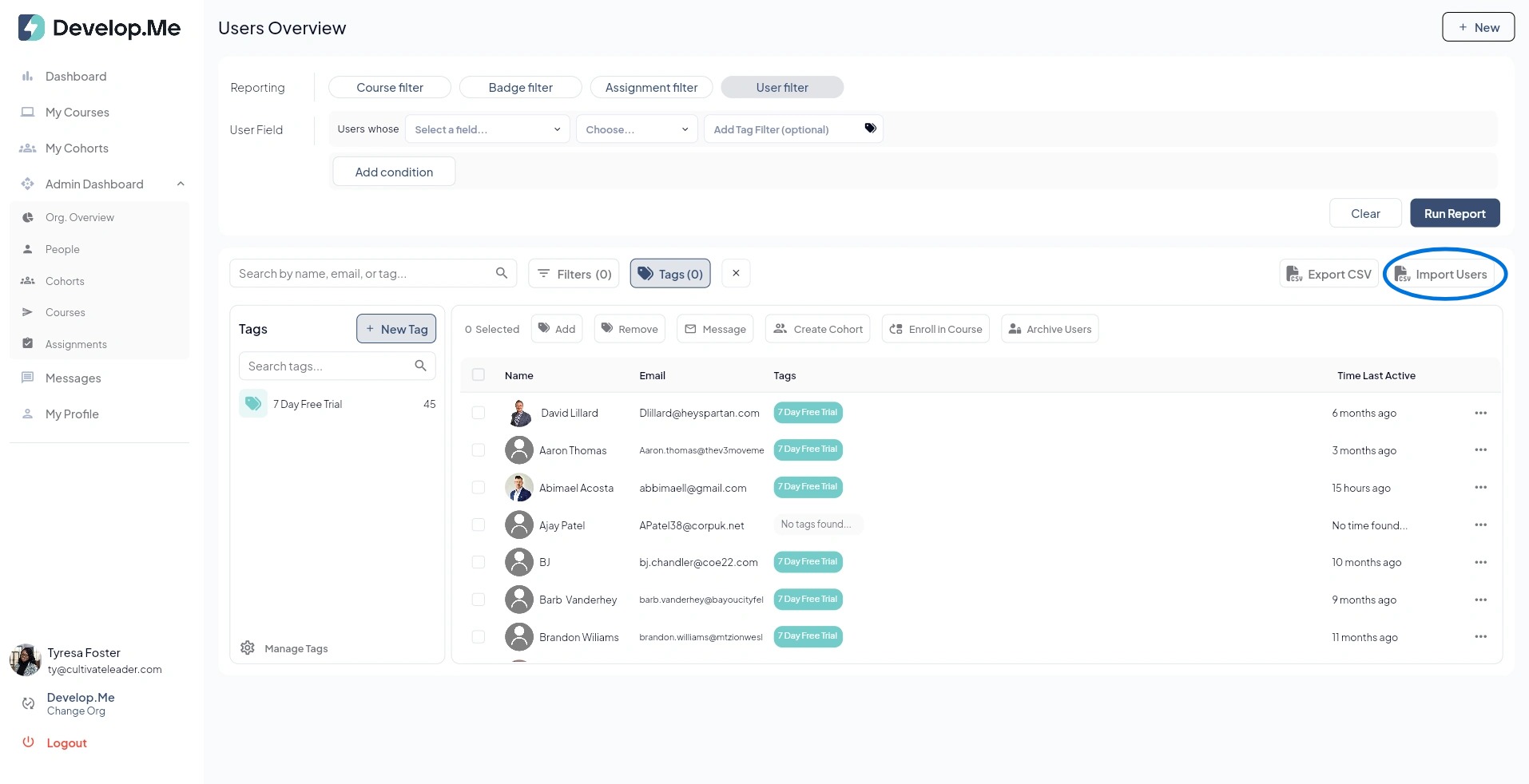
2. Next, click on the "Import Users" button. Then select your csv file to upload.
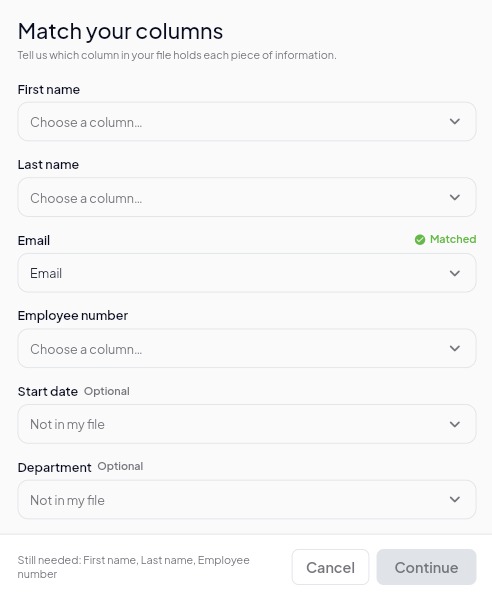
3. Match each Field Name in the platform with the corresponding column header from your CSV file. Review each selection carefully to ensure the user information is mapped to the correct fields before proceeding.
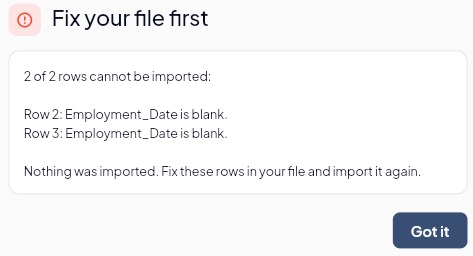
4. **Import Error Notification:**If your file contains missing or incorrect information, the system will notify you before the import is completed. Review the error message, correct the identified rows in your file, and then upload the file again.
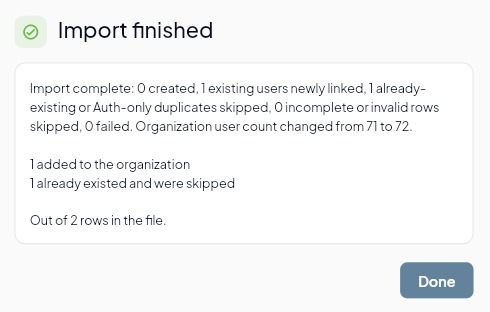
5. Once the import is complete, review the[[ ]]Import Finished[[ ]]summary. The system will show how many users were successfully added, already existed and were skipped, or could not be imported. Select[[ ]]Done[[ ]]to finish the import process.
6. Congratulations, you've successfully imported new users.