
How To Bulk Enroll Users Into A Course
This guide walks admins through the process of enrolling multiple users into a course at once. By using bulk enrollment, admins can quickly assign courses to groups of users, saving time and ensuring learners have access to the appropriate content.
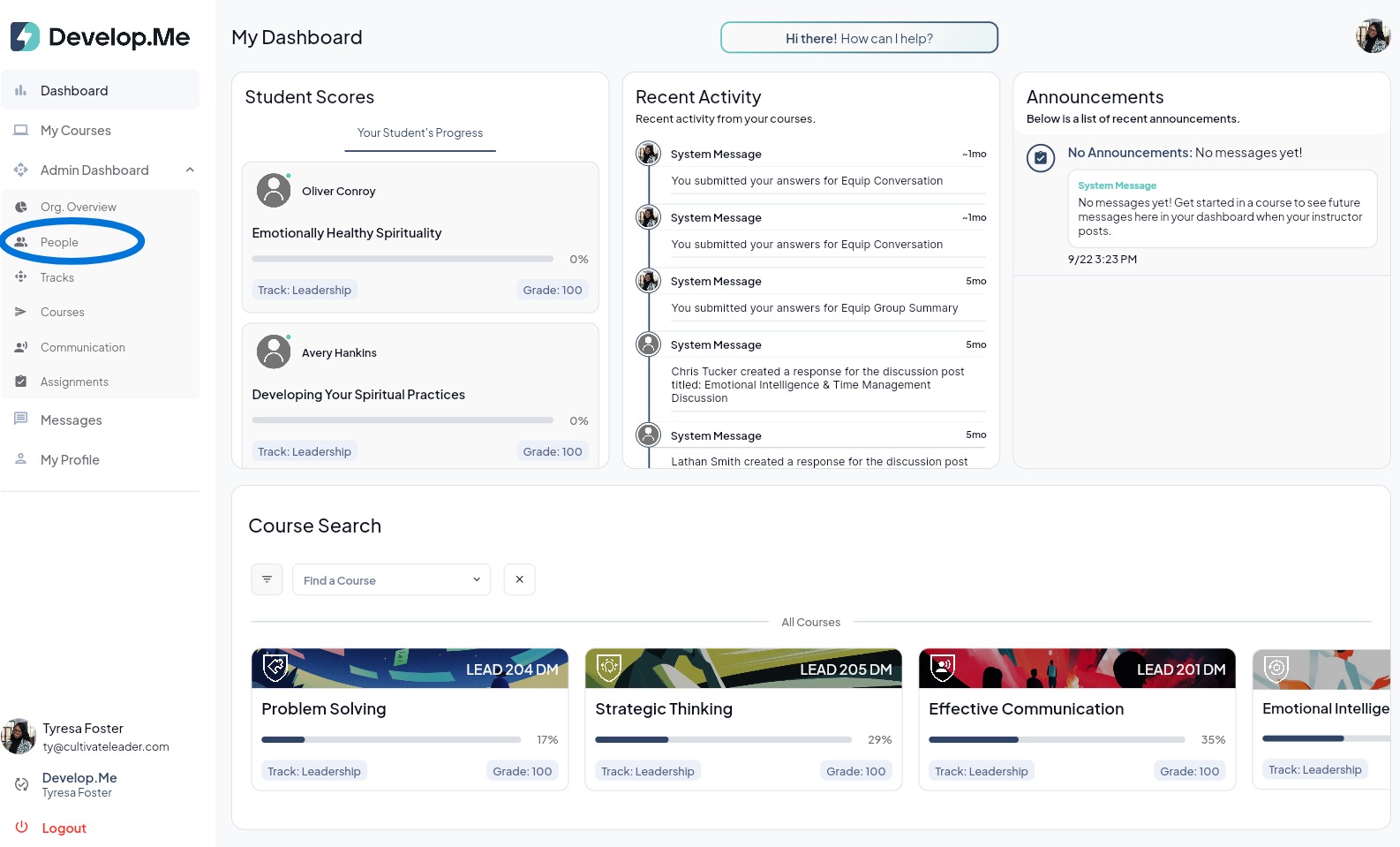
1. Navigate to “People”,from the left-hand menu.
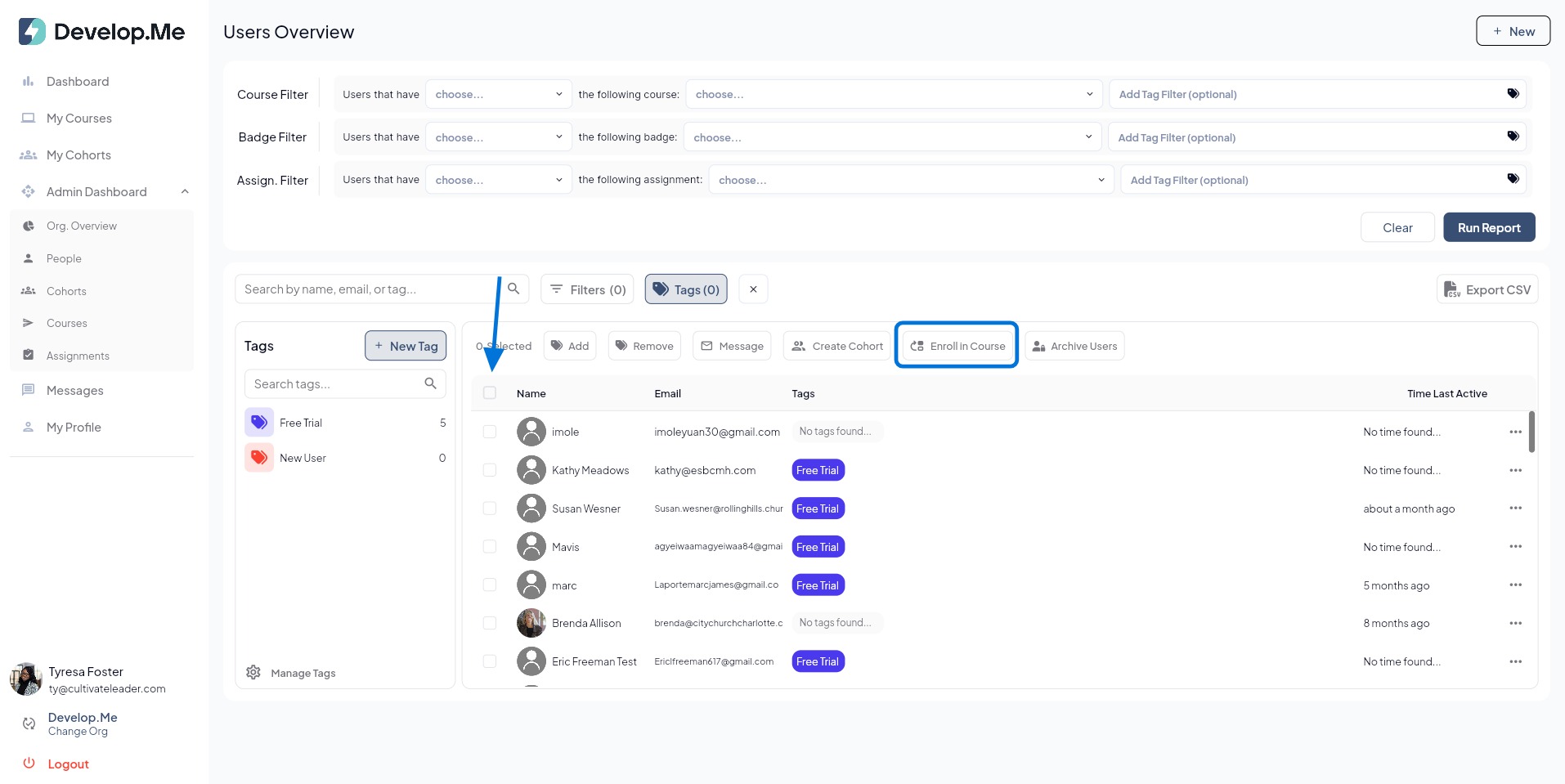
2. To enroll multiple users at once, select the checkbox next to each user you want to enroll. Before proceeding, review your selections and deselect any users you do not want to include. Then, click the "Enroll In Course" button.
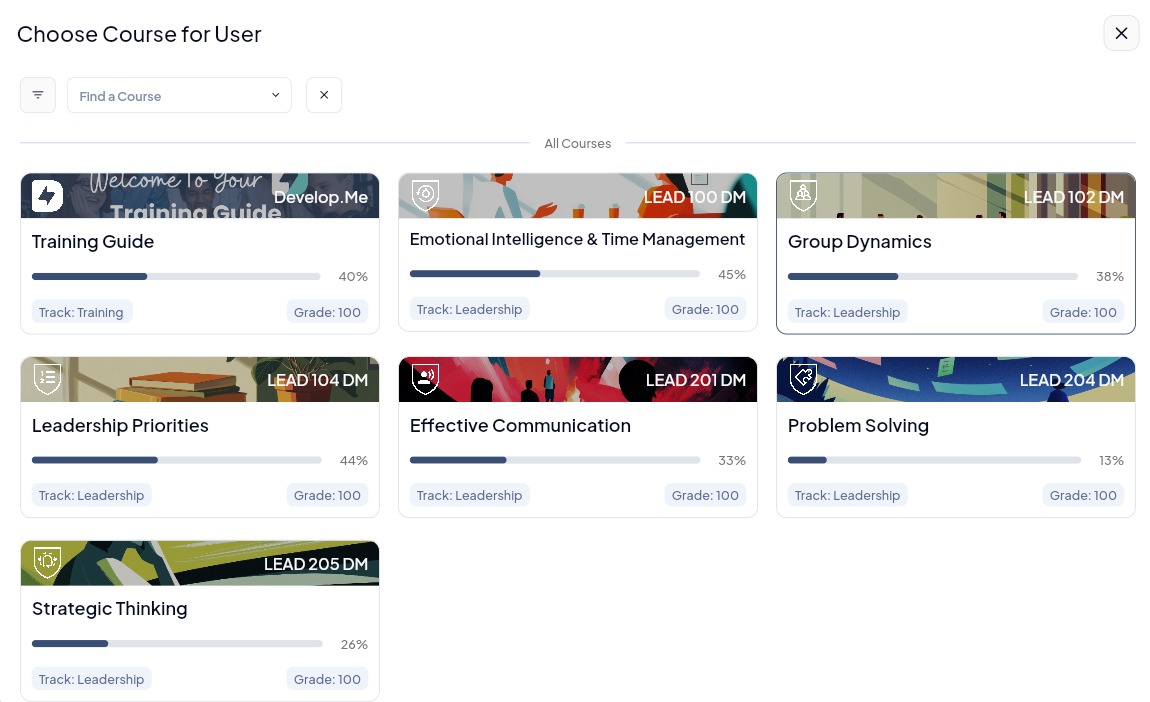
3. Next, select the course you want to enroll the users in. Then, click[[ "]]Yes"[[ ]]to confirm you want to enroll the selected users in the course.
4. Congratulations! You’ve successfully enrolled multiple users into a course.