
How To Archive Users
This guide provides a straightforward method for archiving users . Keeping your user list clean without deleting historical records. Archived users will no longer appear in your active user list once archived.
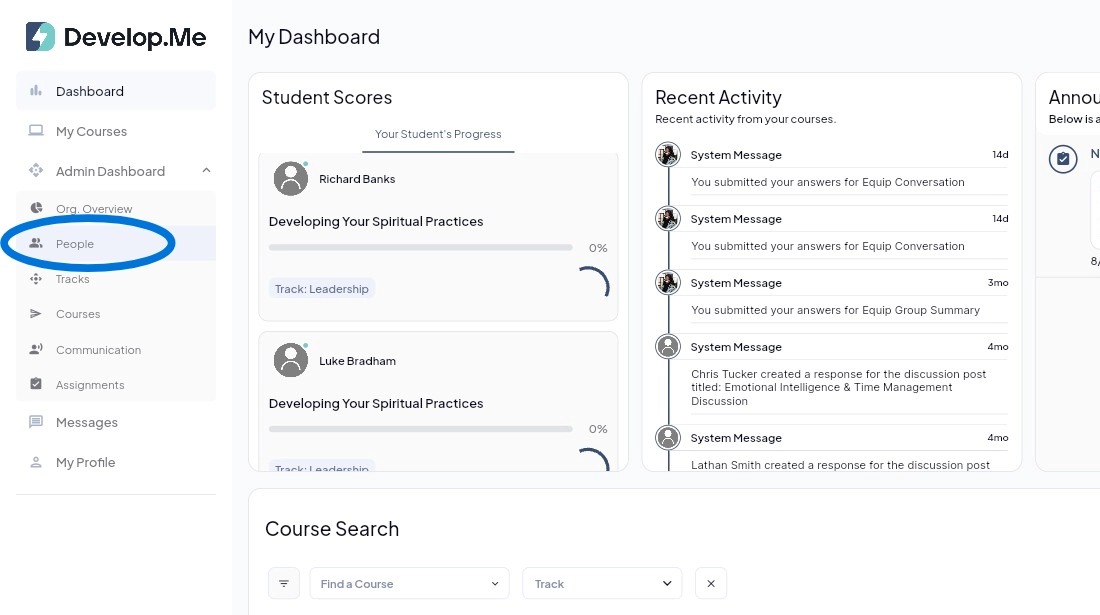
1. Navigate to the “People” tab from the left-hand menu bar to view and manage all users in your organization.
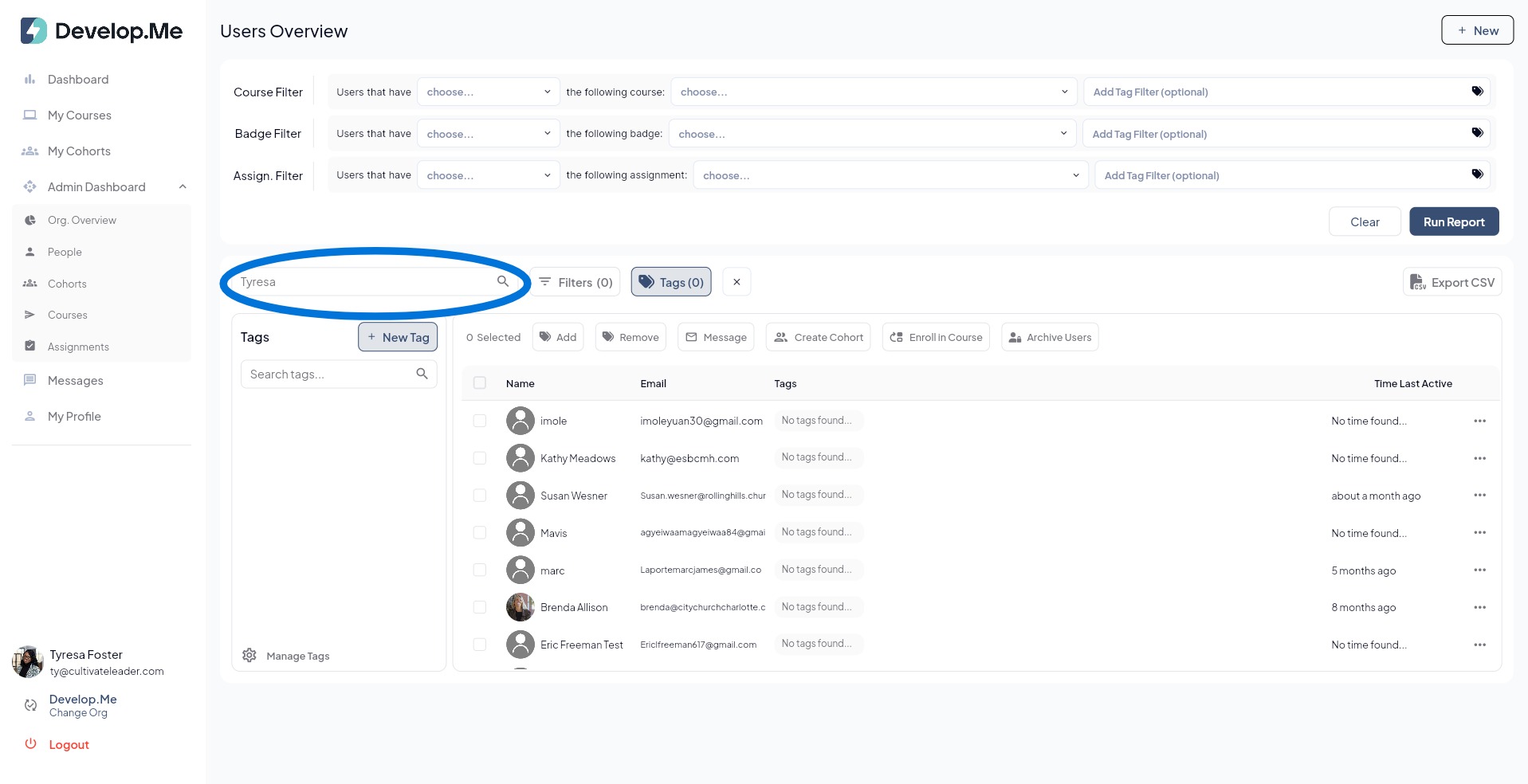
2. To look up an individual, type their name in the search bar and press the enter button.
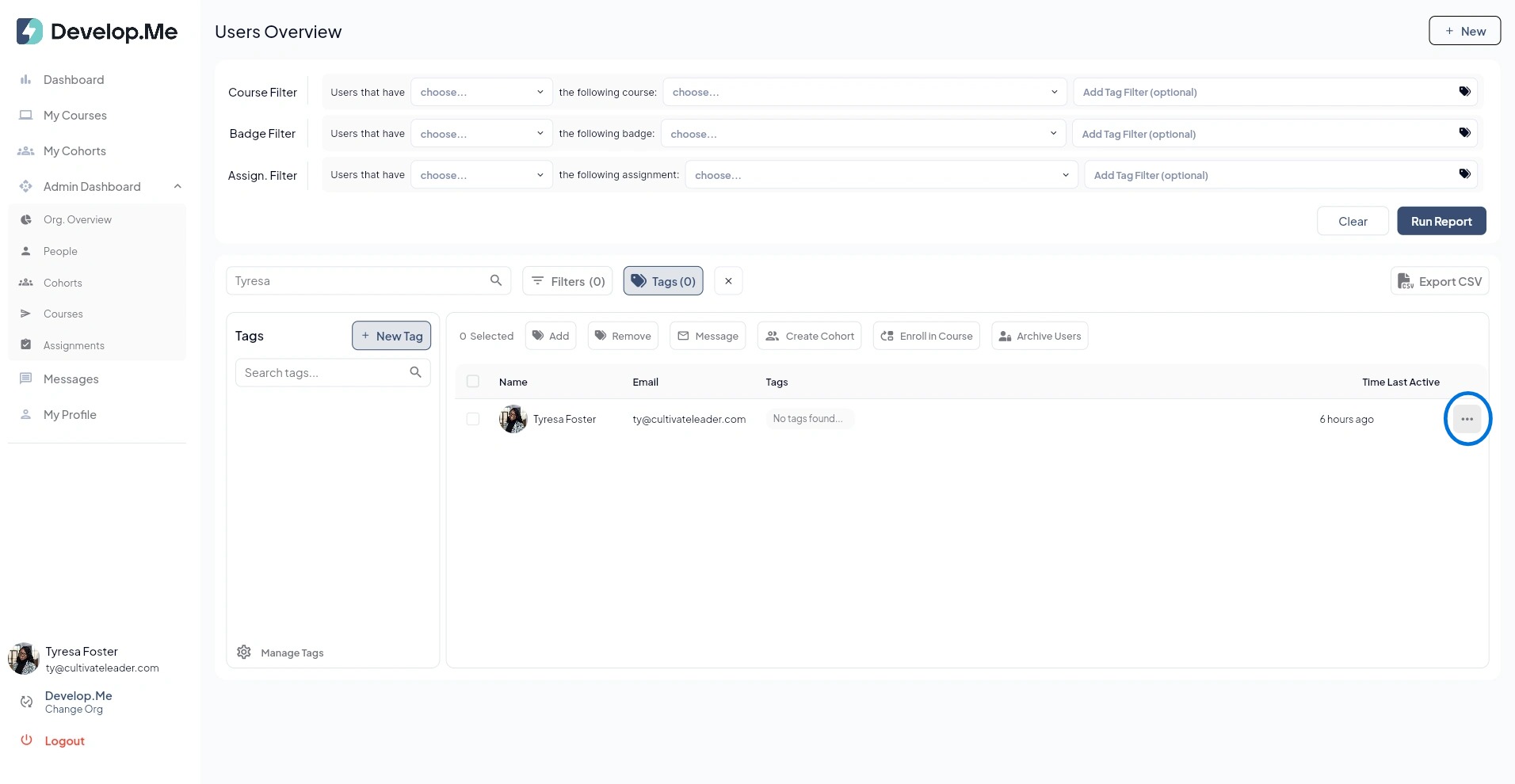
3. Click on the three dots, next to the users name, to open and view their full profile.
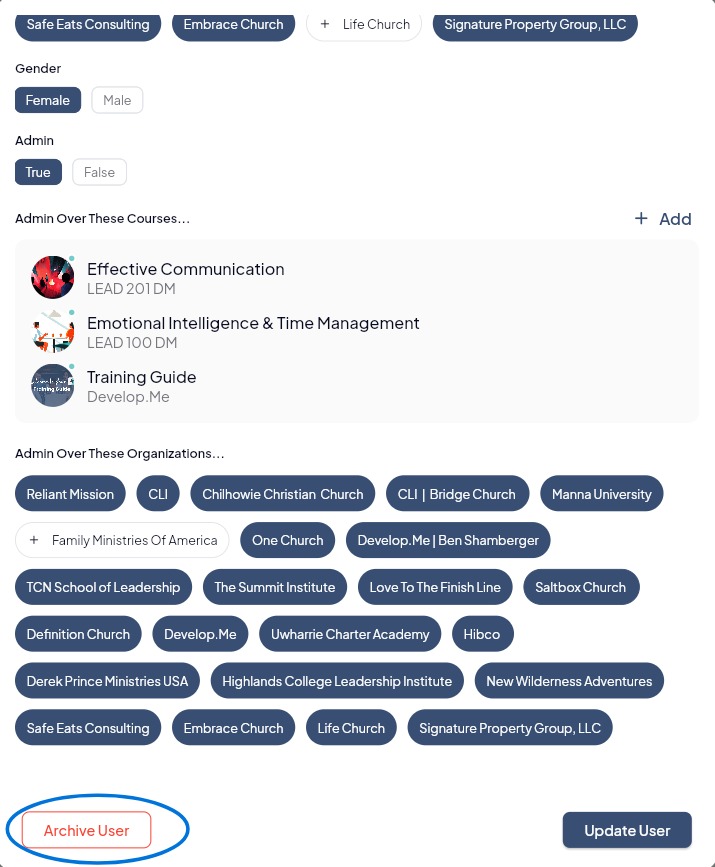
4. Next, scroll to the bottom of the user profile and click "Archive User" in the bottom left-hand corner.
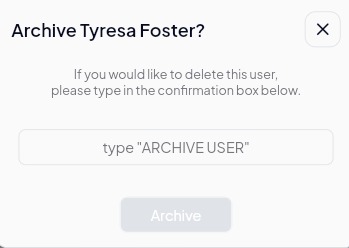
5. To archive a user type "Archive User" in the textbox provided.
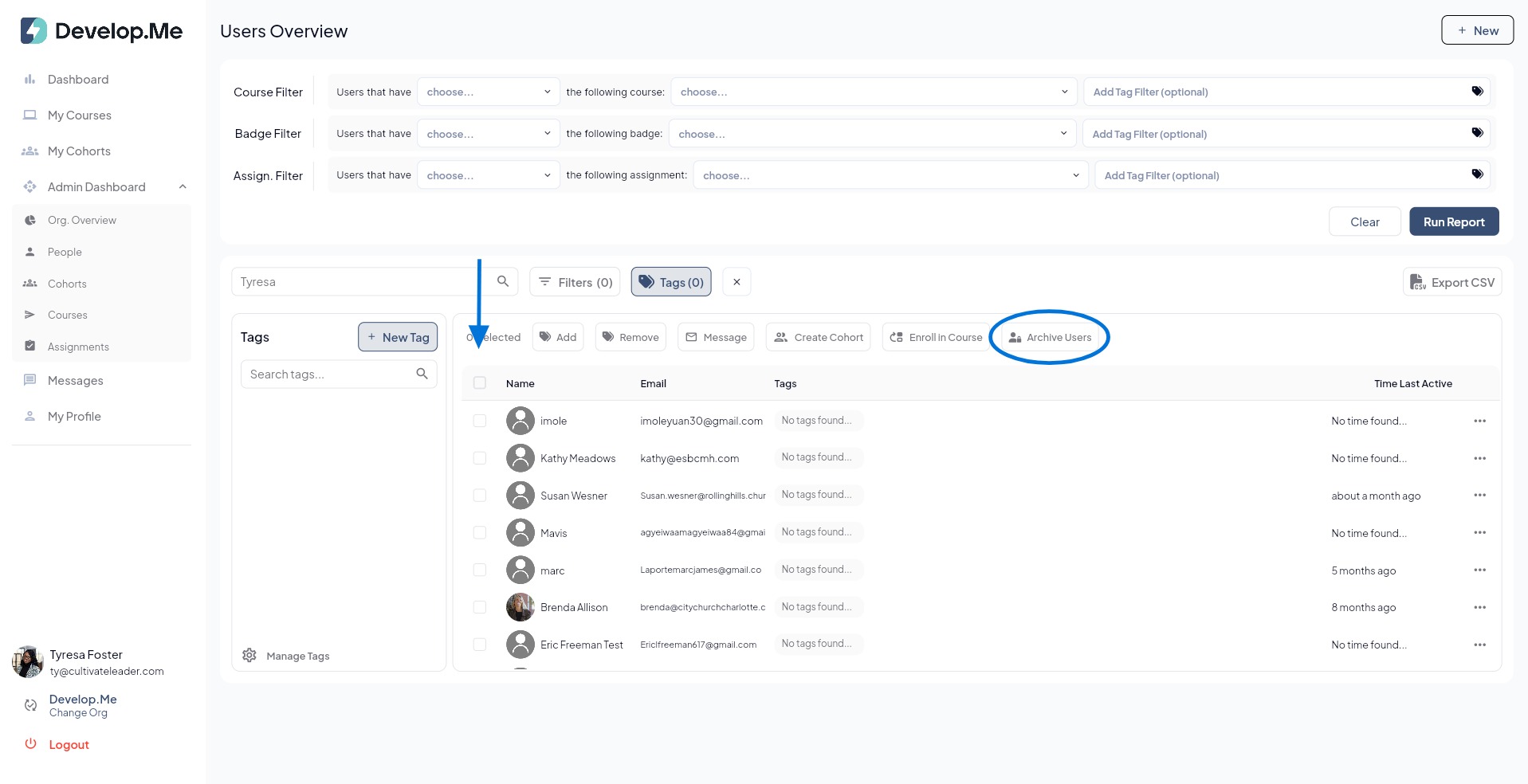
6. To archive multiple users at once, navigate to the "People" tab. Select the checkbox next to each user you want to archive. Before proceeding, review your selections and deselect any users you do not want to include. Then, click the "Archive Users" button to archive the selected users.
7. Click yes to confirm you want to archive all selected users.

8. Congratulations, you've successfully archived users.