
How To Navigate Your Develop.Me Menu Bar
These instructions are designed to help users navigate the Develop.Me menu bar with ease. They provide a clear overview of each section’s purpose and how to use it for managing coursework, tracking activity, and accessing key resources.
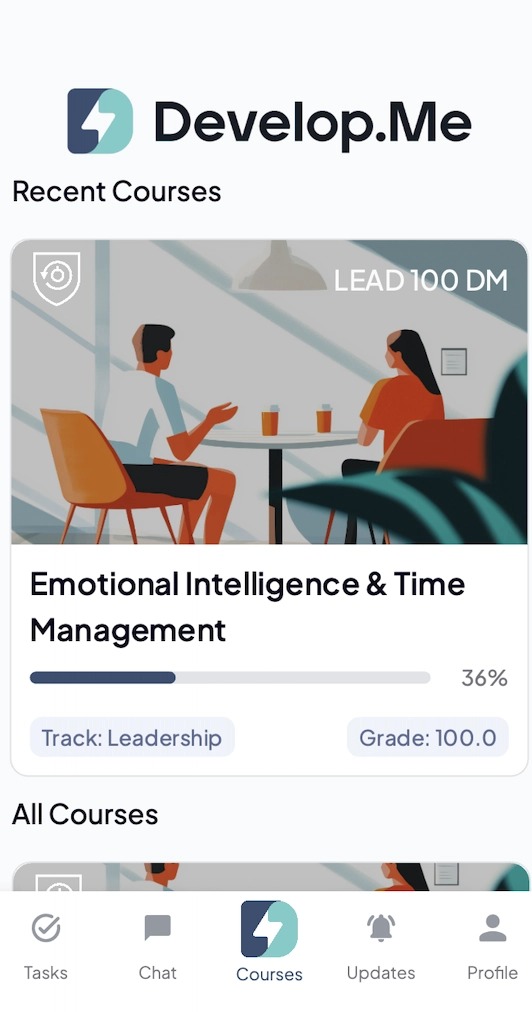
1. Welcome to your Develop.Me homepage! Here's a breakdown of the key features.
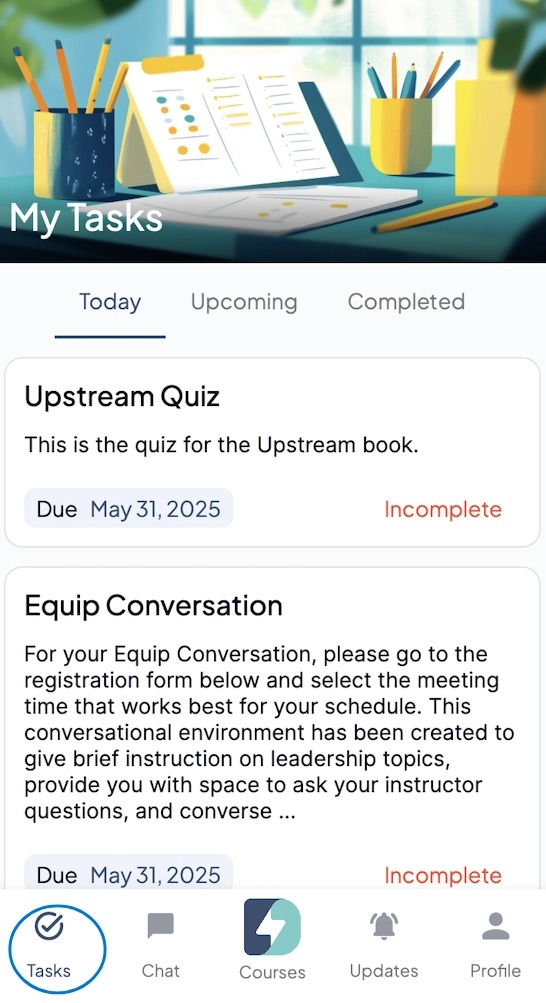
2. Tasks —View what’s due next. Tap an item to see details or mark it complete.
- Today: Tasks due or started today
- Upcoming: Assignments due soon
- Completed: Review what you’ve finished
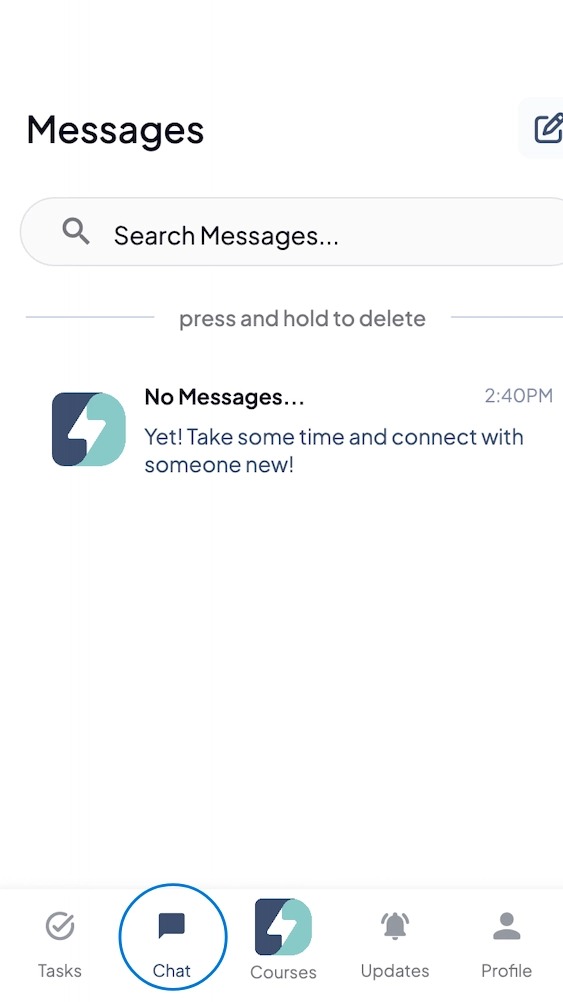
3. Chat — Open instructor or peer messages. Tap to read, reply, or start a new message.
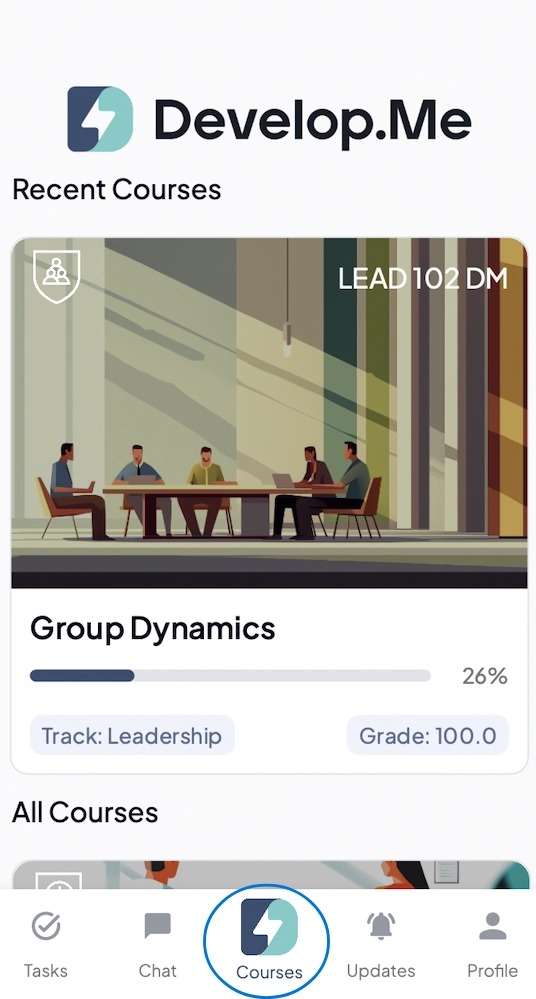
4. Courses — Your home tab. See “Recent Courses” and “All Courses”; tap a course to open it.
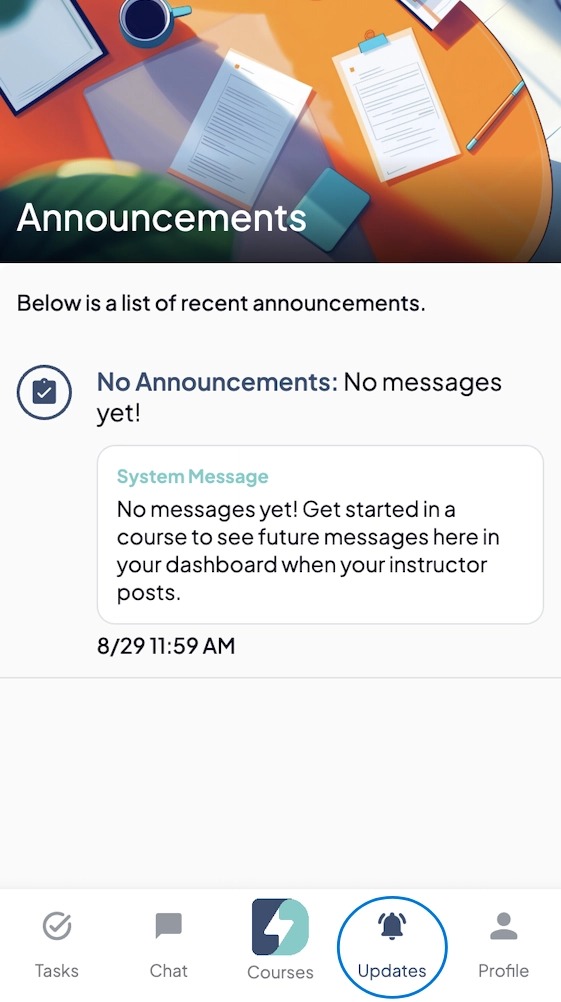
5. Updates — See announcements and other notifications. Tap any update to jump to the related page.
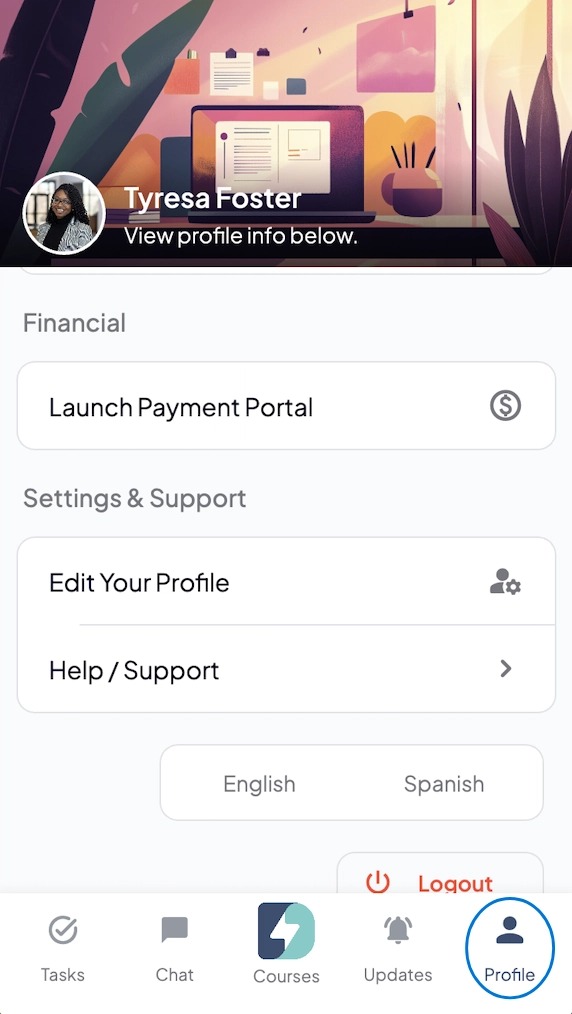
6. Profile— Manage your account details, preferences, and billing/payment options.
7. Congratulations, you've successfully navigated your menu-bar!